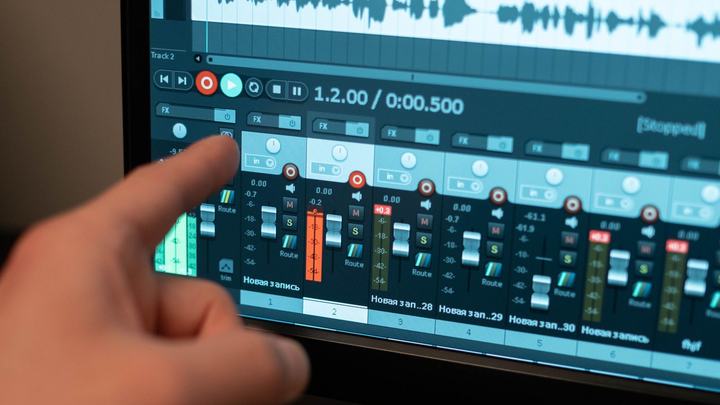
Syncro Text syncs lyrics to the music, syllable by syllable, by tapping a key while the song plays. The result is saved inside the MP3 and KaraDom shows it in time.
- Open Tools → Syncro TextLoad the audio (MP3, WAV, OGG, FLAC, M4A, MID, KAR) and the lyrics with «📂 Lyrics» (.txt or .lrc). Fix them with «✏️ Modify Lyrics» and «📝 Edit Lyrics»; Italian syllable splitting is automatic.
- ▶ START SYNCROThe music starts: press Enter (or «● TAP») on each syllable. Backspace goes back, ← → move through syllables, Esc stops.
- Fine-tune«◀◀ 5s» and «5s ▶▶» to listen again, «🔧 Fix timing» and the ms and time fields in the detail panel (Enter applies).
- 💾 Save MP3The synced lyrics go inside the MP3 (SYLT format). An interrupted sync can be resumed.
🪄 Effortless
To create a track from scratch (voice removed and lyrics already synced) use KaraokeCreator: Extra menu → KaraokeCreator.