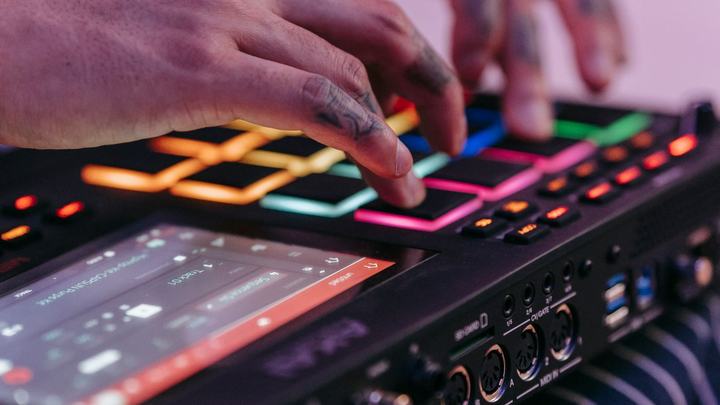
Shortcuts make the night flow. Note: when the cursor is in a text field, keys type into the field; press Esc to leave the field and get back to shortcuts.
🎵 Playback
Key
Action
O
Play (if playing, restarts). Not active with the queue open.
Space
Pause / resume (with the queue open: sends the row to «Next»)
Q
Fade out and stop
Z
Immediate stop
Ctrl+Alt+O
Closes panels and starts the selected row
F / R
Forward / back 10 seconds
🎚️ Key and speed
Key
Action
+ / -
Key ±1 semitone (−12 to +12)
Page ↑ / Page ↓
Speed ±5% (50% to 150%)
T
Reset key and speed (not with the queue open)
📺 Monitor, volume and MIDI
Key
Action
Ctrl+K
Opens / closes the audience monitor
F11 / double-click
Audience monitor full screen; Esc to leave
N
Normalization ON / OFF
M
MIDI guide melody (channel 4) on / off
Ctrl+Maiusc+R
Stops the screen recorder
📂 Panels
Key
Action
Home
Opens / closes the queue
Backspace
Opens the queue with the cursor in the search
P
Opens playlists; with the queue open toggles Favorites and Playlists
S
Opens / closes the Sampler (Pro)
Esc
Leaves a text field; otherwise closes the active panel
📋 With the queue open
Key
Action
Invio ×2
Starts the row (twice on the same row)
↑ / ↓
Moves the selected row up / down
Space
Puts the row in «Next»
Ctrl+1…9
Starts row 1…9
G
Sends the first row to the bottom
🎛️ With the Sampler open
Key
Action
1…9 / 0
Plays bank 1…9 / bank 10
\
Stops all jingles
Syncro Text and Timestamp Editor keys are in their own sections. Extra → «Shortcuts» shows a summary inside KaraDom too.