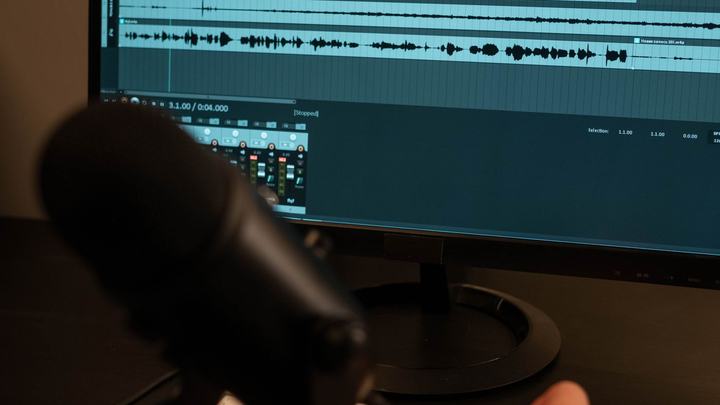
Record the performance, voice and backing together, to replay it or give it to whoever sang.
The REC button
Press REC in the toolbar: it arms («REC…») and recording actually starts when you press PLAY on the song («REC●»). This way you only record performances, never the background music.
The Audio Recorder window
- Choose the device and microphone: PC microphone, audio interface or digital mixer (for example Behringer XR18).
- In the settings: format (WAV, FLAC, OGG), sample rate (44.1 / 48 / 96 kHz), mono or stereo, the save folder and «Stops at the end of the song».
- With an ASIO mixer, «Multitrack» saves one file per channel: backing and voices separate for later mixing.
- While recording you see the time and the levels.